Best Tools for Small Employee Wellness Teams (2026)
October 26, 2026

Small wellness programs usually fail not because of budget issues, but because they lack a clear system.
Most HR teams already use tools like Canva, Google Forms, Calendly, Slack, and Notion.
These are all you need to run an effective wellness program for fewer than 200 employees. Here’s how you can do it.
The Lean Wellness Stack
A good wellness program needs five things: communication, data collection, scheduling, daily engagement, and organization.
Here’s how each tool can help a small team run a real program without spending much.
1. Canva Free
Most small wellness teams skip visual communications, not because they do not want to use them, but because they do not have a designer.
Canva Free removes that obstacle. Its template library, designed for wellness needs, includes everything a small team might need: graphics for launching challenges, social cards with health tips, email headers, flyer templates for onsite events, and digital signage for office screens.
Canva’s Brand Kit feature, which is available with some limits on the free plan and fully on Pro, lets teams save their logo, colors, and fonts.
Best wellness use cases:
- Step challenge launch graphics
- Monthly wellness theme communications
- Health fair promotional materials
- Digital signage for office wellness reminders
- Employee wellness newsletter headers
2. Google Forms
If you are not ready to invest in a dedicated health assessment platform, Google Forms offers small wellness teams a free and practical way to collect employee health and program data.
You can quickly create a wellness intake survey, post-event feedback form, mental health pulse check, or program interest survey in Google Forms, and responses will go straight into Google Sheets for easy analysis.
However, Google Forms has limits in clinical depth. The surveys are self-reported, unvalidated, and do not meet HIPAA compliance.
They are useful for gathering program feedback and general engagement data, but they cannot replace a clinically validated health assessment when compliance or population health reporting is needed.
Best wellness use cases:
- Employee wellness interest surveys
- Post-event feedback collection
- Monthly wellbeing pulse checks
- Program enrollment and RSVP collection
- Health fair pre-registration
3. Calendly
Scheduling can quietly eat up a lot of time for small wellness teams.
Trying to organize health coaching sessions, biometric screenings, lunch-and-learns, and one-on-one check-ins by email just doesn’t work as things grow.
Calendly’s free version covers the basics: you get a booking link to share, automatic confirmation emails, and calendar blocking to avoid double-booking.
If your wellness program brings in outside providers like a health coach, nutritionist, or mental health speaker, Calendly makes it easy for both the provider and the employee to book appointments, so HR doesn't need to get involved.
Best wellness use cases:
- Health coaching session bookings
- Biometric screening appointment slots
- Lunch and learn registrations
- One-on-one wellness check-in scheduling
- External provider booking management
4. Slack
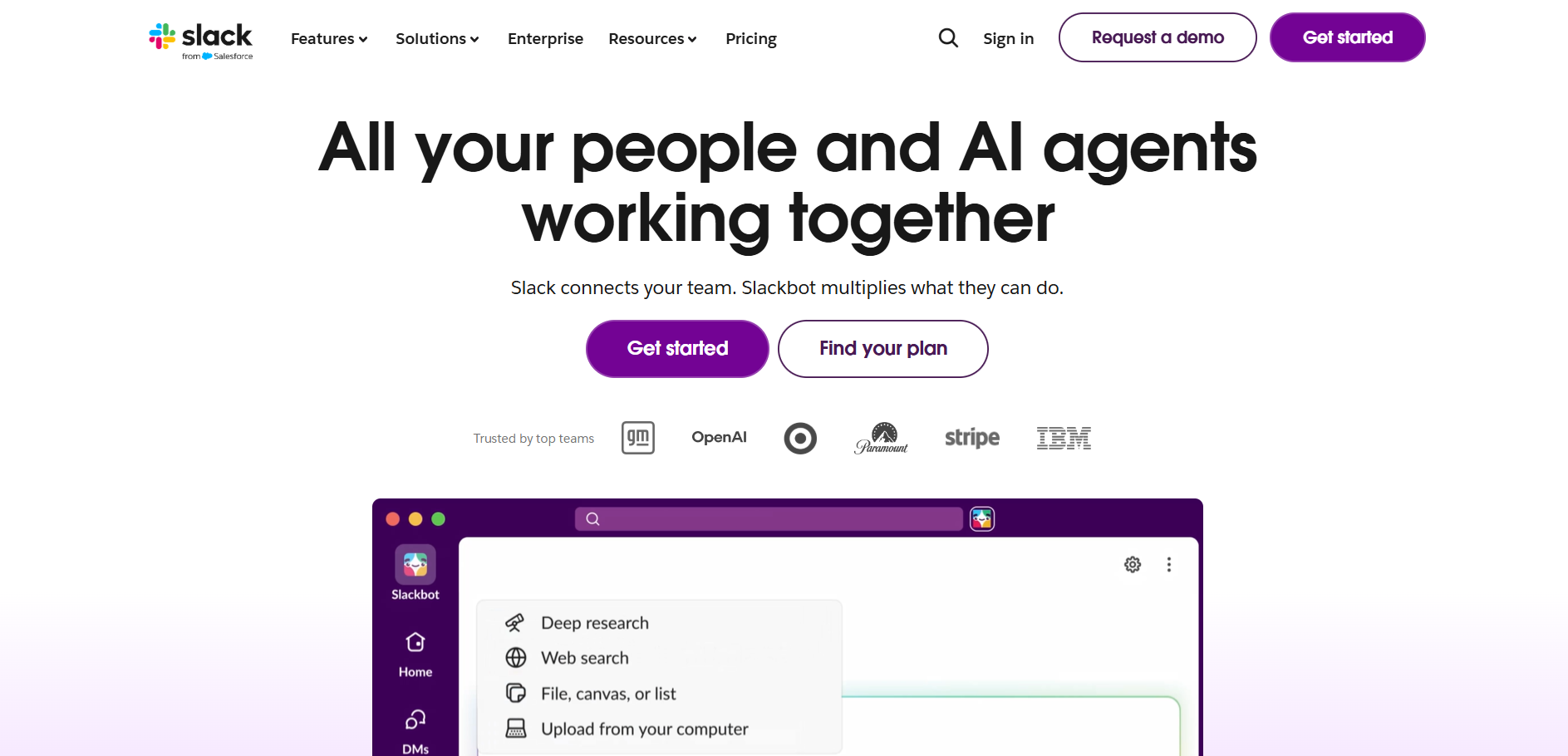
If your organization already uses Slack, setting up a dedicated wellness channel is one of the best ways a small wellness team can boost engagement.
It costs nothing, requires no extra tools, and reaches employees where they already work. With good management, the channel can share weekly health tips, challenge updates, milestone celebrations, peer recognition, and event reminders, all without asking employees to log into another portal.
On paid Slack plans, the workflow builder can automate regular wellness reminders, weekly check-in questions, and challenge updates, so your team doesn't have to do daily manual work to keep the channel active.
Best wellness use cases:
- Dedicated wellness channel for ongoing engagement
- Weekly health tip automation
- Challenge leaderboard updates and milestone celebrations
- Peer recognition and shoutouts
- Event and deadline reminders
5. Notion
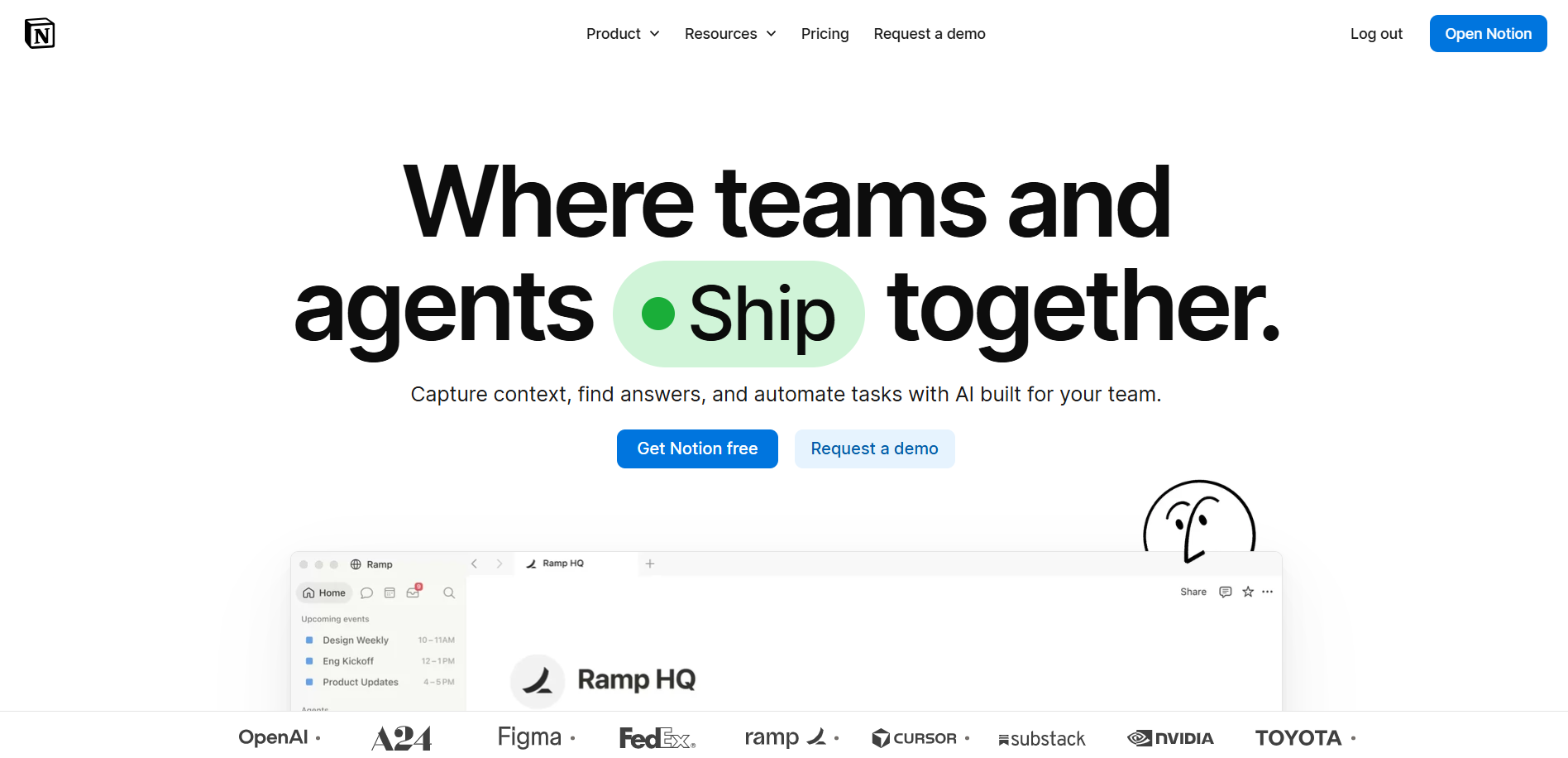
Notion is the main place where the wellness program is organized between challenge launches, event days, and survey cycles.
For small wellness teams without specialized software, Notion serves as a resource library, program calendar, challenge tracker, vendor contact list, and documentation system in one.
Its free version offers unlimited pages and basic databases, which meet most small programs' needs.
Employees can view a wellness resource hub, a single Notion page with health tips, upcoming events, program rules, and benefit links.
This reduces the number of “where do I find...” questions the wellness team receives.
Best wellness use cases:
- Wellness program calendar and planning hub
- Employee-facing wellness resource library
- Challenge rules and participation tracking
- Vendor and partner contact management
- Internal wellness team SOPs and documentation
What You Can Build With This Stack: A Real Program Example
This is how a small team can run a monthly wellness challenge using just these tools, without needing a special platform:
- Week before launch: Canva designs the challenge graphics and email header. Google Forms collects employee sign-ups. Notion documents the challenge rules and tracks participation.
- Launch day: Slack announces the challenge in the wellness channel with the Canva graphic. Calendly opens booking slots for any coaching sessions tied to the challenge.
- During the challenge: Slack delivers weekly nudges and milestone celebrations. Notion tracks team progress. Google Forms collects mid-challenge feedback.
- Post-challenge: Google Forms surveys capture outcomes. Canva designs a results graphic for the Slack channel. Notion archives the program documentation for next time.
Total additional software cost: $0. Total admin time saved by using the right tools in the right roles: significant.
When The Lean Stack Hits its Limit
The tools above work well, but sometimes they fall short. Here are the specific moments when a free tool stack is no longer enough:
- When your program reaches 200+ employees: manual Notion tracking and Google Sheets analysis become unsustainable
- When compliance becomes a requirement: Google Forms has no HIPAA compliance layer and cannot support clinical health assessments
- When you need population health data: Slack engagement and Google Forms responses do not tell you anything about workforce health risk
- When incentive management gets complex: tracking and fulfilling rewards manually across a growing population is a full-time job
- When reporting to leadership is required: a Notion dashboard is not a population health report
What Comes Next
When a small wellness team’s program outgrows what free tools can handle, whether because of more participants, stricter compliance, or deeper reporting needs, it’s time to look for a dedicated solution.
PDHI’s wellness platform is designed for organizations that need more than basic tools, offering NCQA-certified health assessments, customizable incentive programs, and full management of Challenges and Events to replace manual processes.
With over 28 years of experience and more than 22 million lives covered, PDHI helps wellness programs scale up smoothly.
Request a demo to see how this transition works in real life.
Frequently Asked Questions
Here are the most common questions small HR and wellness teams ask when building a wellness program on a lean budget.
1. What free tools can small HR teams use to run a wellness program?
A great set of free tools for small HR teams includes Canva Free for designing wellness communications, Google Forms for employee surveys and collecting program data, Calendly for scheduling appointments and events, Slack for daily wellness updates and challenge communications, and Notion for organizing and documenting the program.
Using these tools together lets you run a complete wellness program without extra software costs.
2. When should a small wellness team move from free tools to a dedicated wellness platform?
Free tools work well for wellness programs with fewer than 200 employees, no compliance needs, and simple reporting.
You should consider switching to a dedicated wellness platform if your program grows beyond 200 employees, needs to meet compliance standards like HIPAA or NCQA, requires population health reporting, has complex incentive management, or must show program ROI to leadership.
3. Can Google Forms replace a health assessment for a wellness program?
Google Forms can collect self-reported wellness data, so it works as a starting point for small programs focused on engagement instead of clinical measurement.
However, it cannot replace a clinically validated health assessment because it lacks HIPAA compliance, validated questions, risk stratification, and population health reporting.
If your organization needs to meet compliance rules or collect clinical-grade health data, you should use a dedicated health assessment platform instead of a general survey tool.
4. How does Slack support employee wellness programs?
Slack helps employee wellness programs by offering dedicated wellness channels for ongoing communication, automated weekly wellness tips and reminders, updates on challenges and milestones, peer recognition, and event or deadline reminders.
If your organization already uses Slack, adding a wellness channel is a high-value, no-cost way to bring wellness messages into the tool employees use every day.


.png)